One transition, two possible boundaries
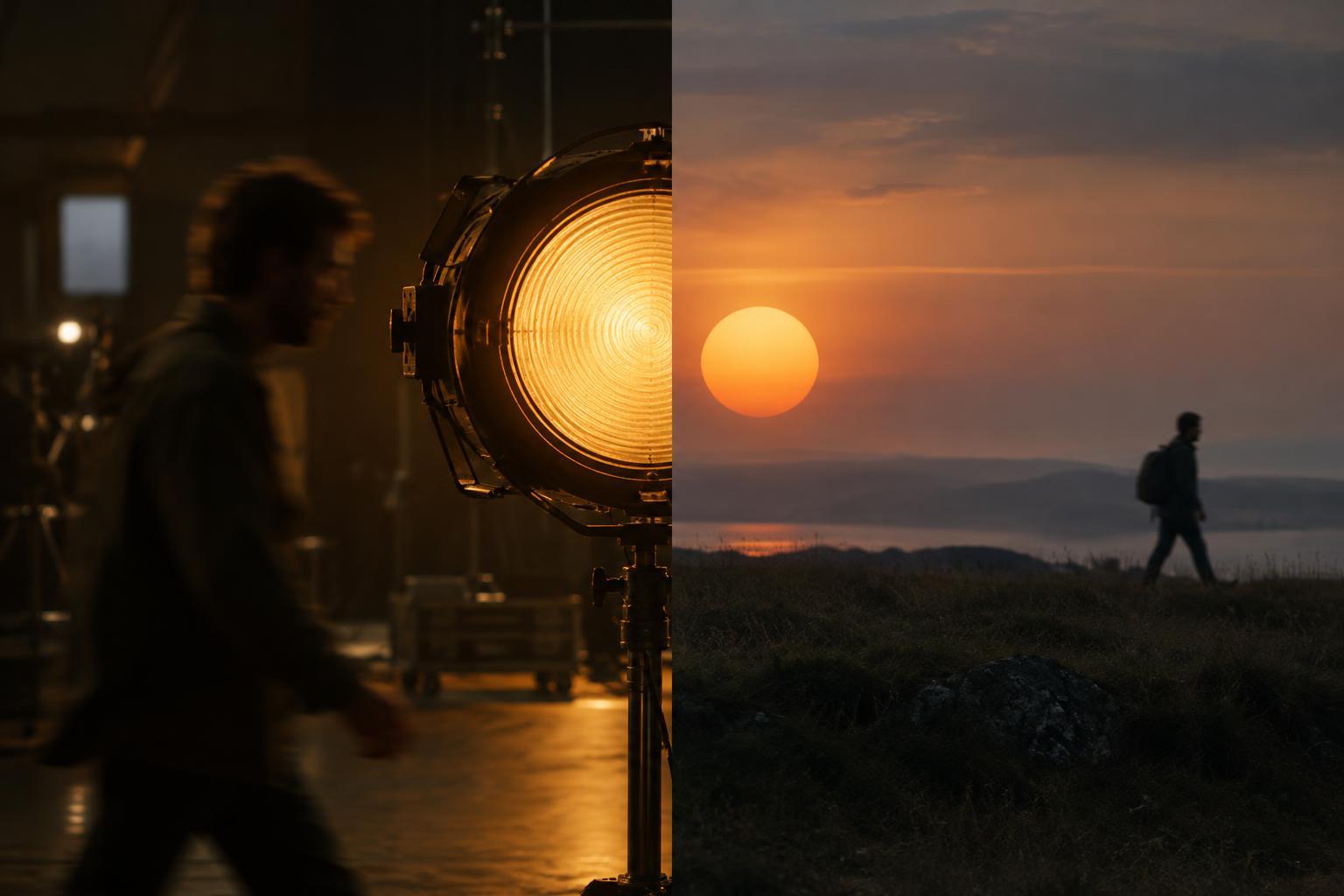
A cut often seems like a single event: one image ends and another begins. Sound gives an editor more options. The picture can change while a voice, room tone or piece of music continues, or the sound of the next shot can arrive before its image. These overlaps are called split edits because the audio and video change at different points.
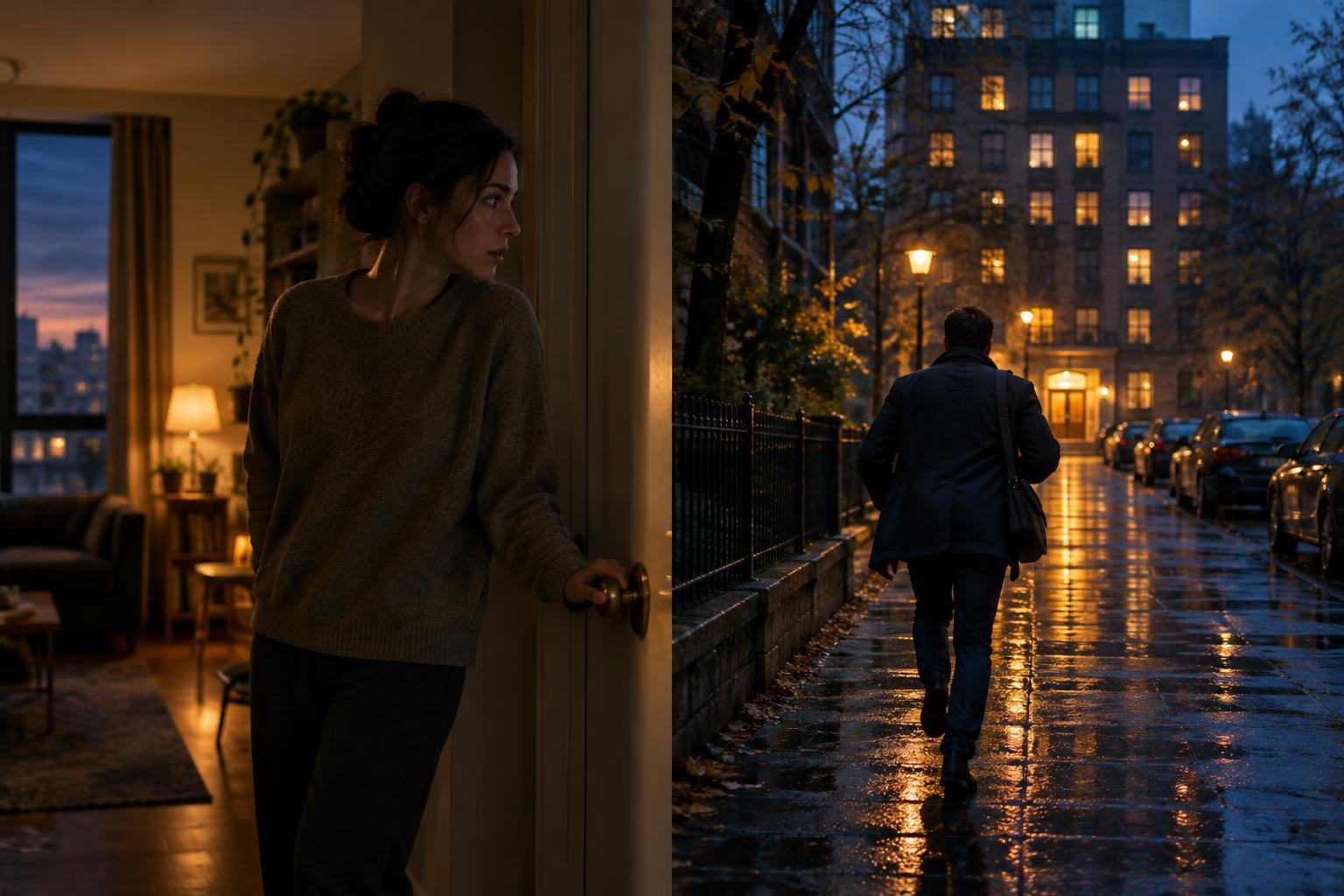
In a J-cut, sound from the incoming shot or scene begins before its picture appears. Imagine watching someone hesitate outside a closed door while you hear a conversation already underway inside. The conversation reaches us first; the image of the room follows. In an L-cut, sound from the outgoing shot continues after its picture has gone. A character finishes speaking while the image cuts to the person listening. The names describe the shapes the staggered clips can make on an editing timeline, but the useful distinction is simple: incoming sound leads in a J-cut, while outgoing sound follows in an L-cut.
Use a J-cut to prepare the viewer
A J-cut can make a change of place or time feel less abrupt. Suppose a quiet kitchen scene is about to give way to a crowded train platform. Bringing in the murmur of passengers before the picture changes gives the audience a moment to anticipate the new environment. When the platform appears, its sound already belongs in the viewer’s imagination. The overlap can also create a question: where is that announcement coming from, and why does it matter to the person still on screen?
The incoming sound need not be loud or conspicuous. A chair scraping in the next room may draw attention toward an unseen arrival. The first words of a reply can begin over a speaker’s face, keeping us with their reaction for a beat longer. What matters is whether hearing the next moment early adds orientation, tension or meaning. If the sound reveals information the scene depends on withholding, a J-cut may work against the intended effect.
Use an L-cut to stay with an idea
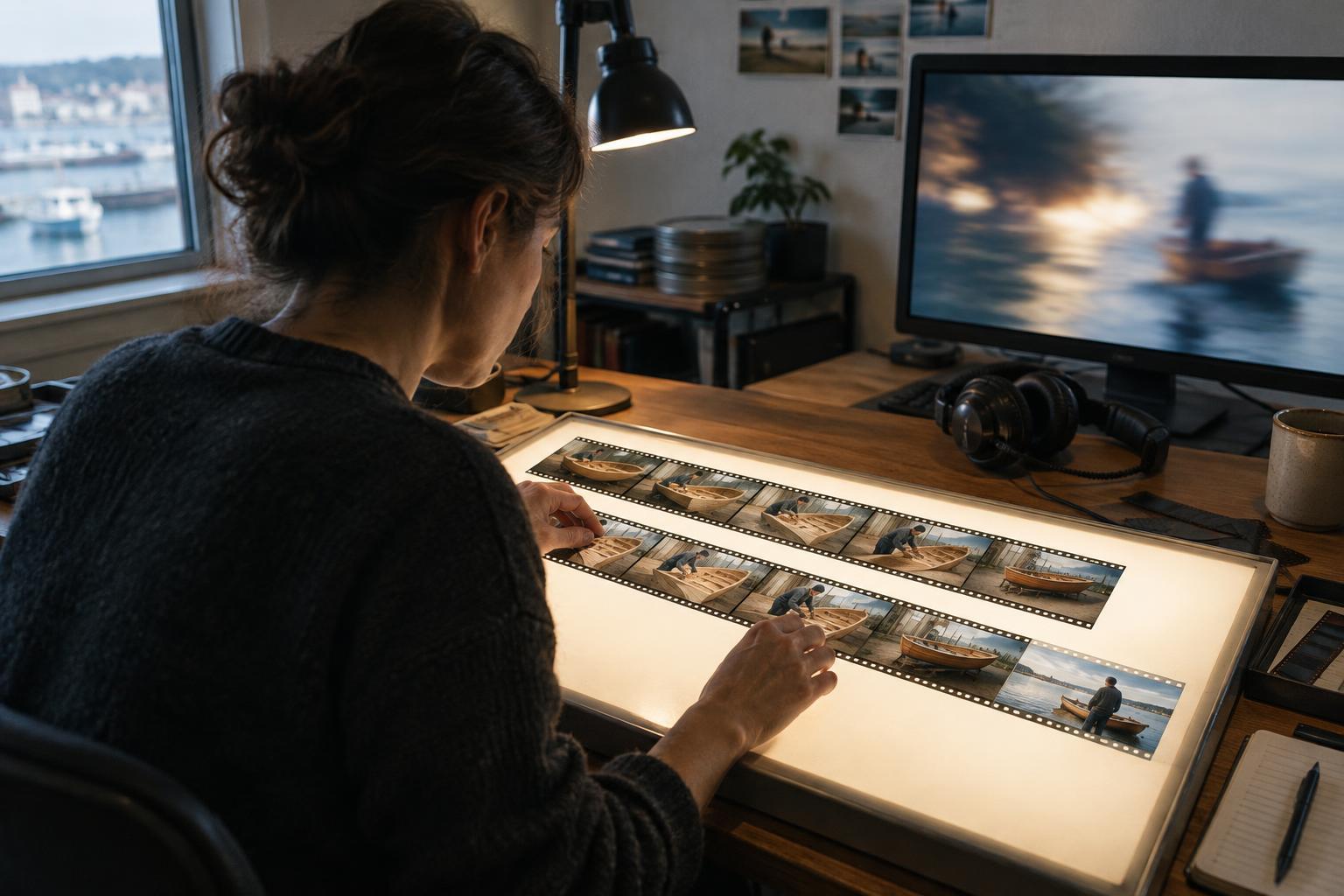
An L-cut lets an outgoing sound carry its meaning into a new image. A line of dialogue might continue over a close-up of the listener, shifting emphasis from what is said to how it lands. Or the scrape of a workshop tool might persist briefly as the picture moves to a finished object, connecting effort with result. Rather than making viewers look back at the source of the sound, the overlap invites them to interpret it alongside something new.
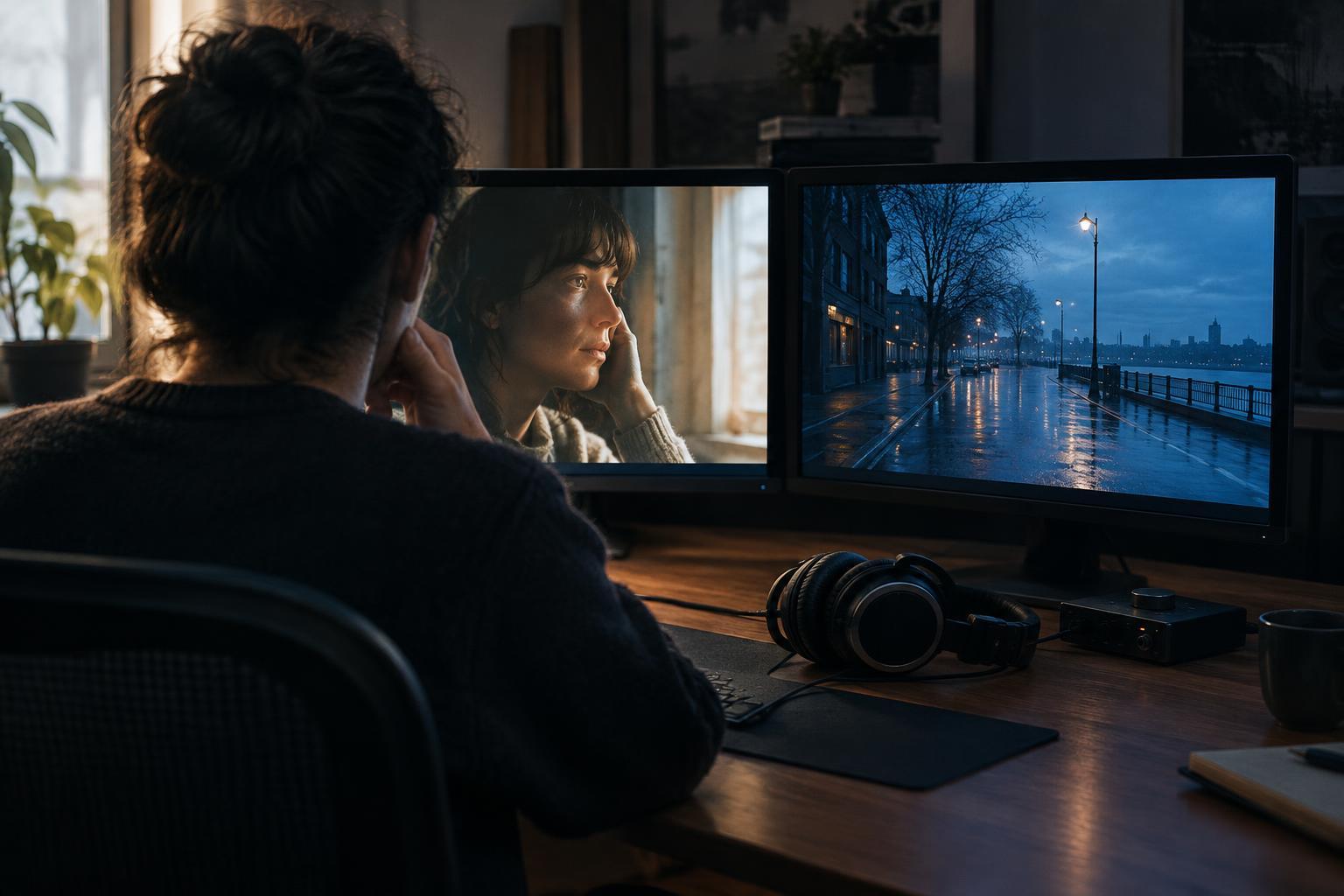
This technique is especially useful when cutting away from a speaker. Holding every line on the person delivering it can make a conversation feel like a sequence of turns. Letting a voice continue over a listener’s expression creates room for hesitation, disagreement or understanding without adding dialogue. The picture cut becomes a choice about whose experience matters at that instant.
Build the overlap around a purpose
Begin by deciding what the audience should notice across the transition. If the next setting is important, try introducing one recognizable sound from it before the image. If the consequence of a line matters more than the speaker’s face, try letting that line continue across the cut. Move the audio edit point and watch the sequence at normal speed. A small adjustment can change whether an overlap feels like a gentle invitation or an interruption.
Listen beyond the featured sound. Dialogue recorded in different spaces may carry different room tones; background noise may jump when one clip ends. Continuous ambience, carefully placed fades and well-chosen sound effects can help the overlap feel coherent. They should not erase every difference between locations, though. A transition from a hushed room to a busy street may need a perceptible change. The aim is to control that change, not hide it automatically.
Know when a clean cut says more
Split edits are tools, not a rule for making every transition smooth. A simultaneous picture-and-sound cut can be more effective when a scene needs a hard stop, a sudden discovery or a sharp contrast. Bringing the next scene’s audio in early might soften a surprise; carrying the previous scene’s audio too far might delay the impact of silence.
A useful test is to play the transition three ways: with sound leading, with sound following and with picture and sound changing together. Pay attention to what each version makes you expect and where it directs your attention. The best choice is not necessarily the least noticeable edit. It is the one that helps the viewer experience the story at the right moment.