Decide what the montage must change
A montage brings selected moments together so an audience can understand a longer process without watching every step. Its value is not simply speed. It lets an editor show change: a character gains a skill, a relationship cools, or a familiar place becomes unfamiliar. Before choosing shots, write down the story state before the sequence and the state after it. If both descriptions are nearly identical, the montage may be passing time without advancing the narrative.
Give the sequence one main question. Will the character finish the task? Will two people find a way to work together? Consider a hypothetical character preparing a small shop for its opening. The montage need not document every repair. It should show enough obstacles and decisions for the opening to feel earned. That question gives viewers a thread to hold while the images move quickly.
Build a path through selected moments
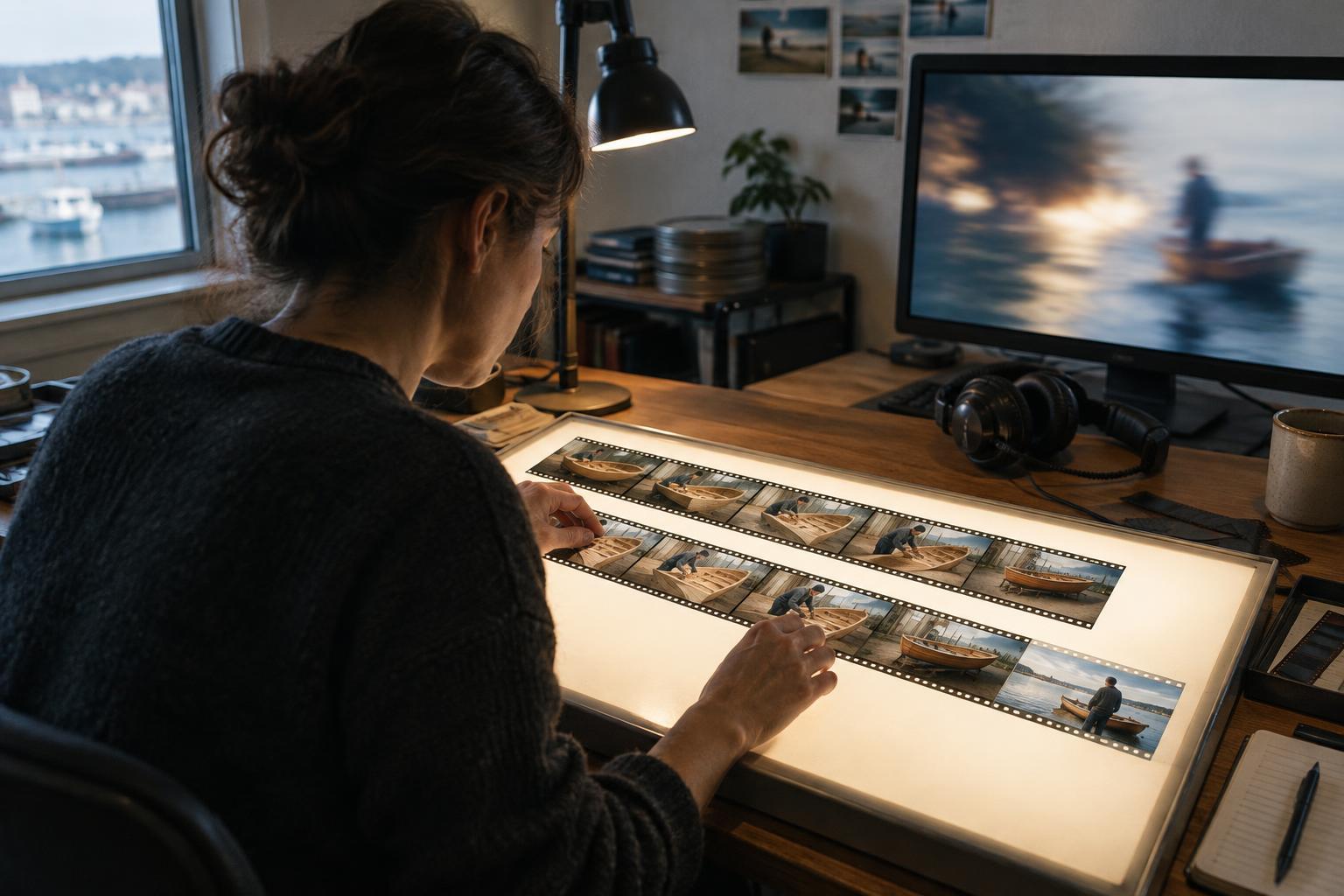
Start with an image that establishes the task and its starting condition: an empty shop, a marked-up plan, or a character facing a broken display case. Then choose moments that reveal distinct stages rather than repeating the same action from different angles. A first attempt might fail, a second might require help, and a later shot might show the character solving the problem differently. Each image should add information.
A useful ordering principle is cause and effect. If the character asks a neighbor for assistance, the next shot can show them carrying a heavy counter together. Viewers can bridge the omitted time because the relationship between shots is legible. You can also mark progress through recurring details: boxes disappear from the floor, light reaches a newly cleared window, and handwritten signs become finished displays. Such changes suggest elapsed time without requiring a clock or calendar in every shot.
Vary shot size for orientation as well as energy. A wide view can re-establish the space after several close-ups of hands and tools. A close-up can make one decision matter. The goal is not a fixed pattern of wide, medium, and close shots; it is to ensure viewers know where they are, what has changed, and why it matters.
Use rhythm to express effort and progress
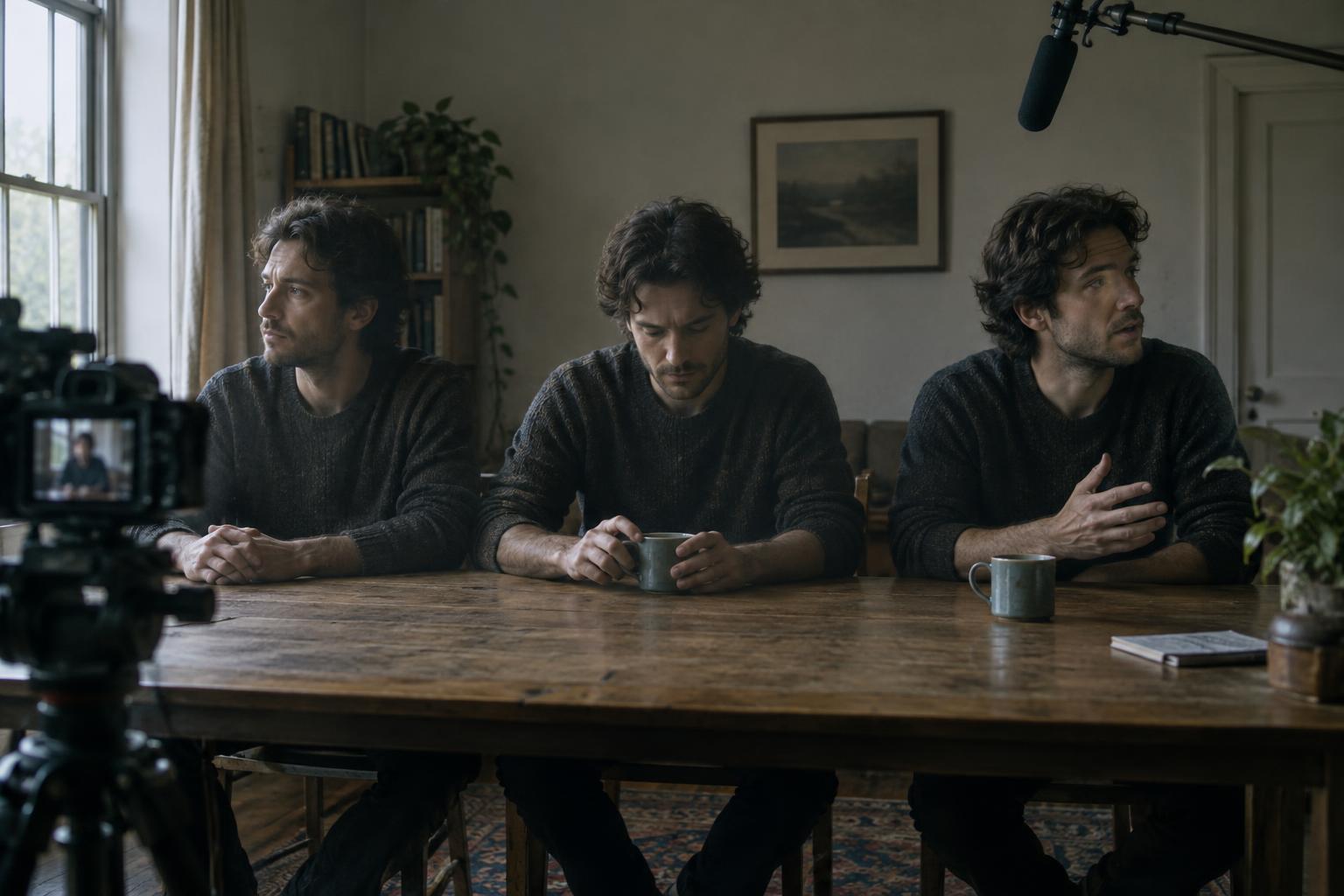
Fast cutting is often associated with montage, but a constant pace can make every beat feel equally important. Try letting early shots linger long enough to show difficulty, tightening the cuts as the character finds a workable routine, then holding on a setback. That pause gives the audience time to register that progress is not automatic. A final, longer shot can allow the result to land.
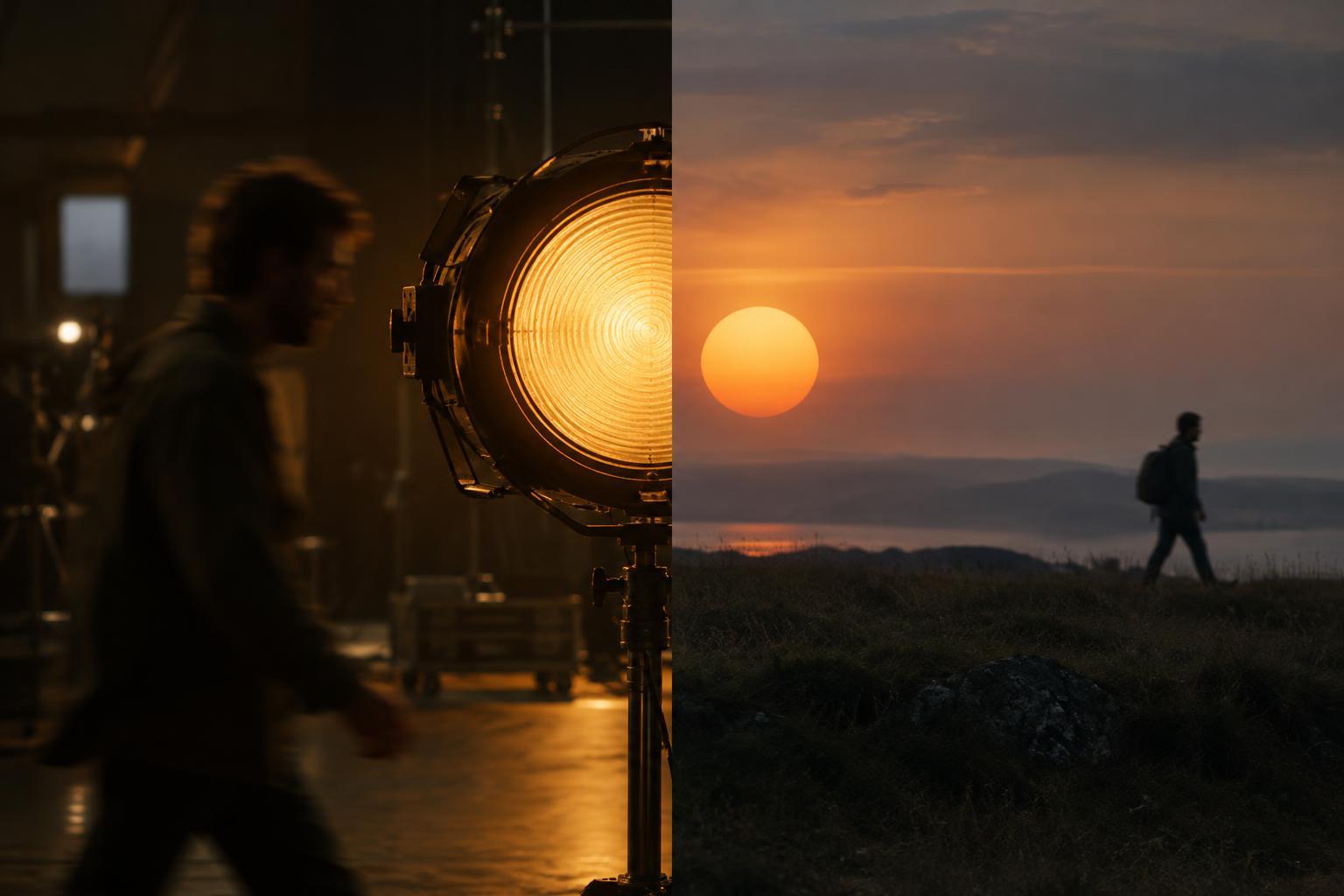
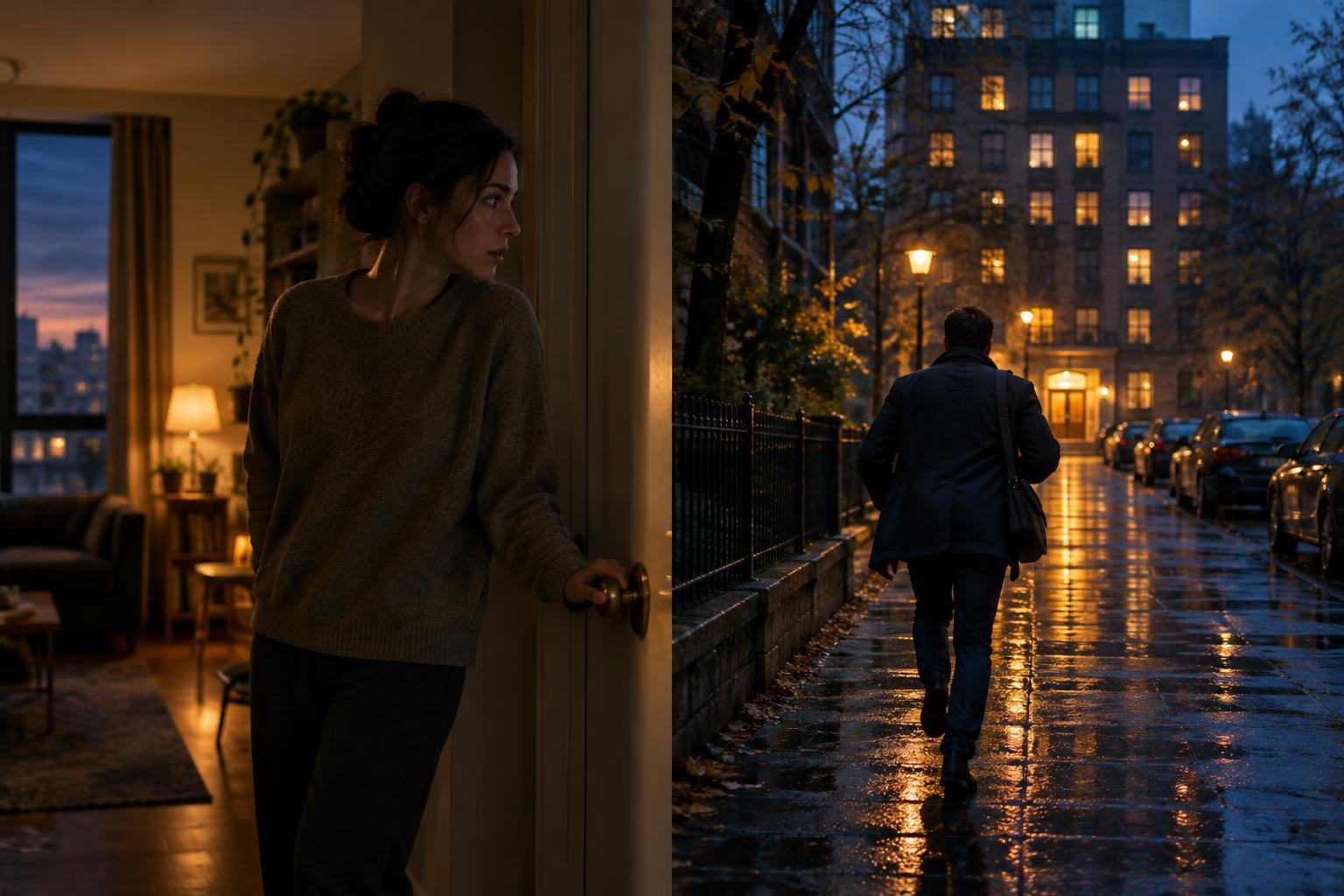
Movement can help connect images across different times. A hand reaching into one frame may cut to a hand setting down a different object later. Matching a door closing to another door opening can carry the eye forward. These links make the sequence flow, but they should not conceal important changes. If the character suddenly works with a former rival, give that shift a beat the audience can read rather than treating it as a purely visual match.
Let sound carry meaning, not just momentum
Music can unify locations and time jumps, but it does not have to do all the storytelling. Short, recognizable sounds can make progress tangible: tape tearing, a drawer sliding smoothly after a repair, or a stubborn lock finally turning. A repeated sound can change meaning as the sequence develops. The rattle of a shop gate might first suggest a problem and later signal that the character can open it with ease.
Think about where sound continues across a cut and where it stops. A steady musical pulse may help viewers accept a leap from day to night. Dropping that pulse for a brief exchange or an unexpected noise can identify the moment that matters most. Dialogue, if used, works best when it contributes information the images cannot easily provide. A montage can remain brisk while making room for one line that changes the character’s plan.
Give the sequence a clear way out
The end of a montage should connect its compressed time to the next full scene. Return to an image or action established at the start, now altered: the once-empty shop is ready, but the character hesitates with a hand on the gate. The sequence has answered the practical question of whether the work was completed while opening an emotional question about what happens next.
Review the montage without music, then review its audio without watching the picture. Neither pass needs to tell the whole story alone. Together, they should make the starting point, major change, and final state easy to grasp. If a viewer would need an explanatory scene to understand a crucial turn, add a clearer beat or leave that turn outside the montage. Compression works when it removes the routine, not the reasoning.